Share this

Buying and selling your favorite tokens on Bitazza is a simple and straightforward process. You can easily accumulate or trade with a wide range of 90+ crypto assets available in the market. Whether you are new to trading or an experienced trader, this step-by-step guide will help familiarize you with how to buy and sell crypto on Bitazza.

How to Buy Crypto on Bitazza
Step 1: Log in to Your Bitazza Account
- Open the Bitazza app or website, and log in with your credentials.
- Make sure you have enabled Two-Factor Authentication (2FA) for an added layer of security.
Step 2: Navigate to the Market
- On your dashboard, select the “Market” tab.
- You’ll find a list of available trading pairs like BTC/THB.
Step 3: Choose Your Token
- Browse the available pairs and select the token pair you wish to trade (e.g., BTC/THB).
- The chart for the chosen pair will appear, showing real-time price movements. You can choose to view it from various timeframes, like hourly or weekly, depending on your trading objectives.
Step 4: Place a Buy Order
- Click on the “Buy” button, and a form will pop up.
- Enter the value of the token you want to purchase in THB, or the amount of the token itself (e.g., BTC).
- Confirm the details, such as price and quantity, and hit “Buy.”
Step 5: Complete the Transaction
Your transaction will process once the order is confirmed, and your funds will be automatically updated. You can check your holdings in the "Wallets" tab.

How to Sell Crypto on Bitazza
Step 1: Log in to Your Bitazza Account
- Open the Bitazza app or website, and log in using your email and password.
Step 2: Navigate to the Market
- Look for the “Market” tab on your dashboard.
- Select the trading pair that corresponds to the token you want to sell (e.g., BTC/THB).
Step 3: Place a Sell Order
- Click on the “Sell” button next to the token chart.
- Enter the THB value or amount of tokens you want to sell.
- Confirm the price and quantity, then hit “Sell.”
Step 4: Complete the Transaction
Your transaction will process once the order is confirmed, and your funds will be automatically updated. You can check your holdings in the "Wallets" tab.
For the web version, you'll find similar buying and selling functions through the “Markets" tab.
Bitazza Key Features
- 90+ Supported Tokens: Bitazza offers a wide range of cryptocurrencies for you to deposit and withdraw through a multitude of supported networks.
- Secure Transactions: Ensure all transactions are safe with 2FA and network verifications.
- Convenient Wallet Access: Seamlessly manage your crypto assets with an easy-to-navigate dashboard.
Start Your Crypto Journey with Bitazza Today! To learn more about the various features and functions of Bitazza, visit our blog: https://blog.bitazza.com/blog
To download Bitazza, visit: https://bitazza.onelink.me/AGAP/9zf7et1r
*Cryptocurrencies and digital tokens are highly risky; investors may lose all investment money. Investors should study the information carefully and make investments according to their own risk profile.
Share this
Subscribe by email
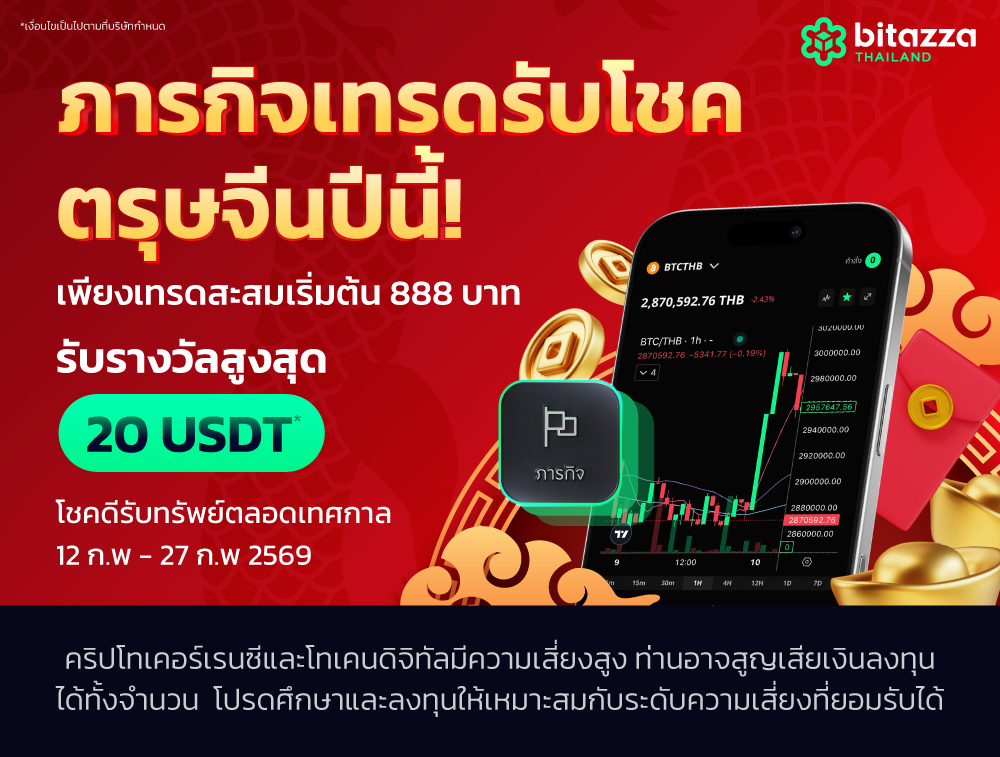
เทรดรับโชคช่วงตรุษจีน รางวัลสูงสุด 20 USDT ต่อคน
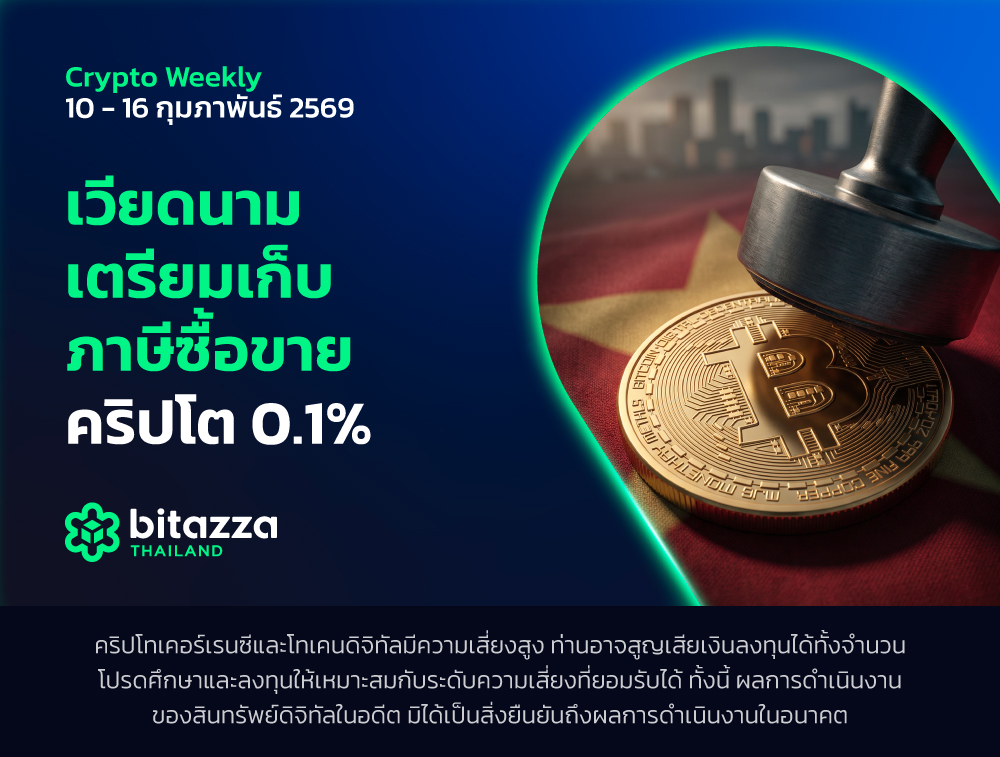
เวียดนามเตรียมเก็บภาษีซื้อขายคริปโต 0.1%
เจาะลึก Uniswap แพลตฟอร์ม DeFi สุดฮิตในปี 2026

Trump เสนอชื่อ Kevin Warsh เป็นประธาน Fed คนใหม่

XRP คืออะไร? เหรียญที่เน้นการโอนเงินข้ามพรมแดน

Bitcoin 101: คู่มือที่ควรอ่านก่อนลงทุนในปี 2026

เหรียญคริปโตที่น่าลงทุนระยะยาวในปี 2026: แนวทางเลือกและสินทรัพย์ที่ควรติดตาม

เจาะลึก ApeCoin (APE): เหรียญขวัญใจสาย NFT กับก้าวสำคัญสู่ ApeChain และอนาคตปี 2026

Polygon (MATIC) โซลูชันตัวเก็งจาก Ethereum อัพเดตปี 2026